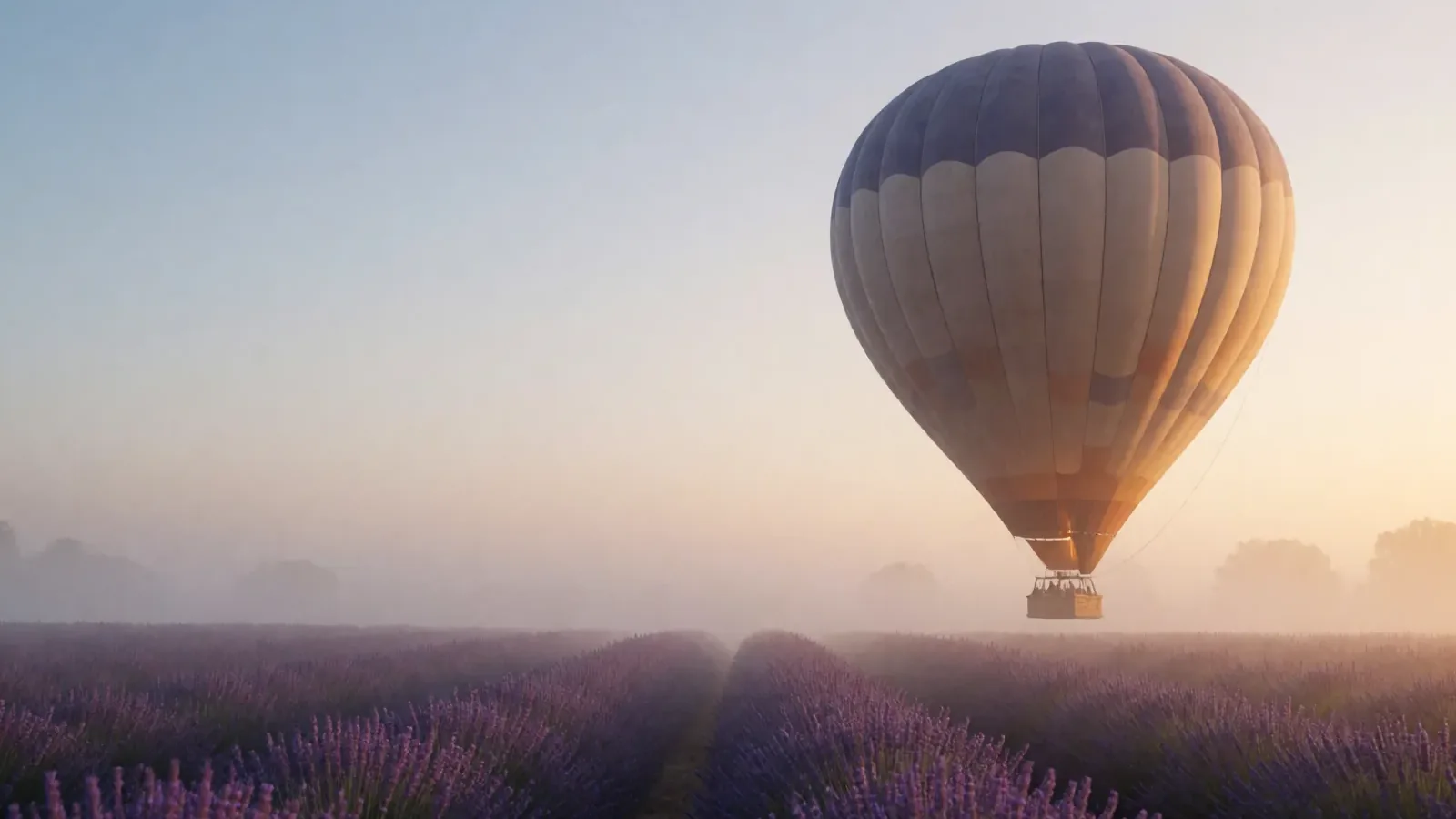
Veo 3.1 turns a text prompt, optional images, and sound directions into a short video with generated audio. A clear directing brief helps you shape the shot, action, look, and soundtrack. Start with the structure below, then remove any detail that does not affect the scene.
Build a shot brief in five parts
Use this as a starting point: cinematography + subject + action + context + style and ambiance. Google's Veo prompt guide uses the same five-part structure.
- Cinematography: Name the framing and camera behavior, such as a low-angle tracking shot, a locked wide shot, or a slow push-in.
- Subject: Describe the main person, object, or creature. Include visual details the camera should show.
- Action: Say what changes on screen. Keep the movement possible within a short clip.
- Context: Set the location, time of day, and useful background details.
- Style and ambiance: Add lighting, color, texture, and mood. Include sound directions here or in a separate sentence.
{{shot_size}} shot, {{camera_move}}, . . In at . , , .