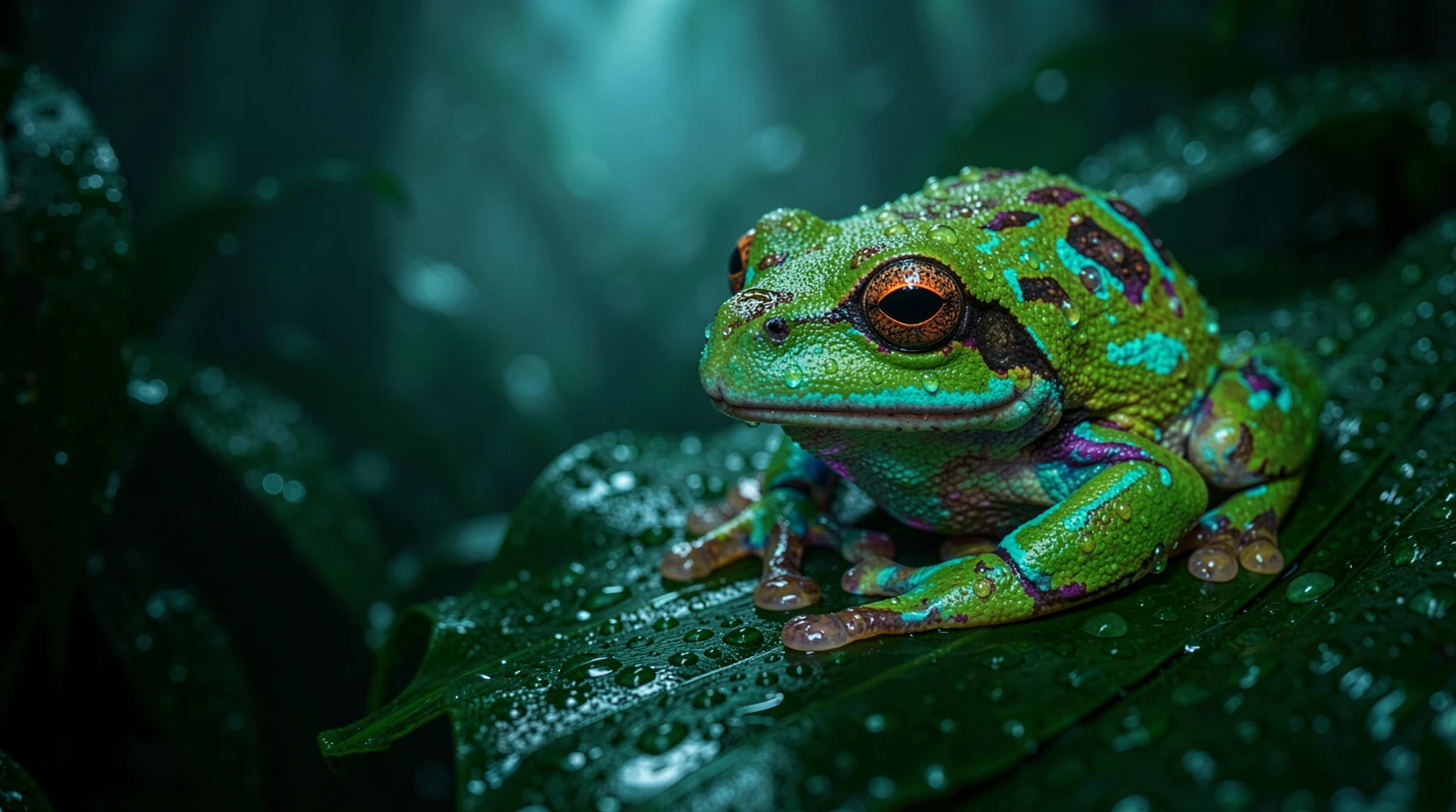
Start with a clear description of the image you want, then add the details that matter for the chosen FLUX version. The family includes text-to-image, reference editing and layout-controlled models, and their inputs are not interchangeable.
Describe the subject and scene
Name the main subject, its action and the setting. Add composition, lighting, color, texture and style details when they affect the result. A useful starting point is a complete scene brief:
A {{shot_type}} image of {{subject}} {{action}}. Setting: {{setting}}. Composition: {{composition}}. Lighting: {{lighting}}. Surface and style details: {{style_details}}.For required in-image copy, provide the exact wording and where it should appear:
Include the exact text "{{text}}" on {{object_or_surface}}, positioned {{text_placement}}.The FLUX.1 [dev] model card shows a scene prompt with a subject holding a sign. can also give important elements separate identifiers, descriptions and layout boxes.