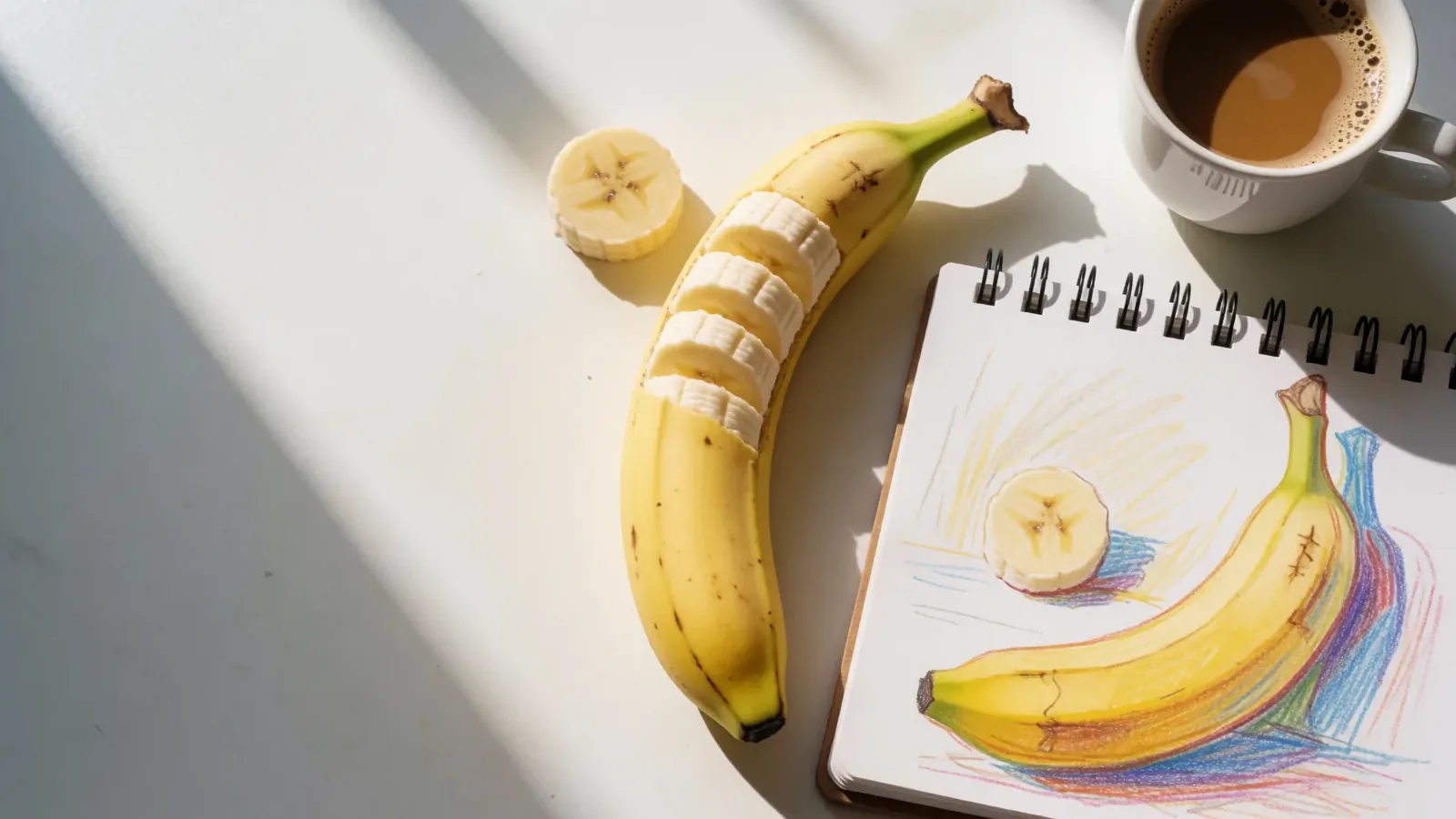
Nano Banana responds well to a clear visual brief and supports follow-up edits in natural language. Describe what the image should show, how it is framed, and what should remain fixed. Then refine the result with one focused change at a time.
Describe the picture as a scene
Start with the main operation and subject. Add the action, setting, framing, and style in the order a photographer or designer would need them. Concrete details such as the direction of the light, camera height, material, and distance from the subject give the model clear visual choices.
Create a {{image_type}} of {{subject}} {{action}}.
Setting: {{setting}}. Composition: {{composition}}.
Lighting: {{lighting}}. Visual style: {{style}}.
{{#if visible_text}}Include the exact words "{{visible_text}}" at {{text_placement}}, in {{type_style}} lettering.{{/if}}
For example, instead of asking for “a product photo,” specify the surface, angle, background, and light. If a headline must be readable, provide its exact wording and where it belongs. Keep small supporting text short; dense copy is more reliable when added as editable type after image generation.