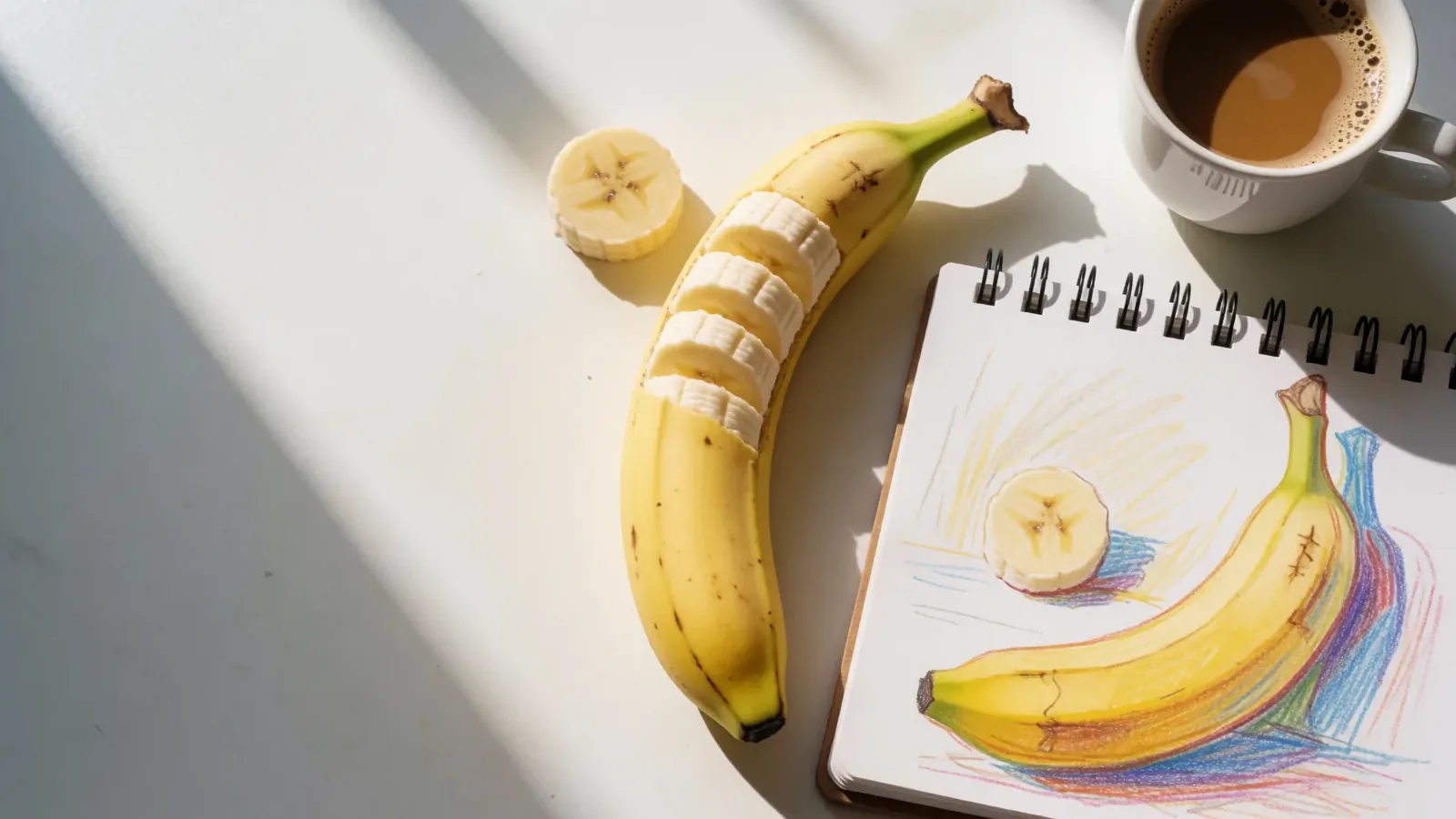
About Nano Banana
Nano Banana is Google's name for its Gemini-based image generation and editing models. The family accepts text and images, and the newer API releases can also use video as visual context. You can create an image from a written brief, then refine it with follow-up instructions.
The releases cover different needs. Nano Banana 2.1 is the current high-efficiency workhorse, Nano Banana Pro targets more demanding visual design, and Nano Banana 2 Lite prioritizes low latency and 1K output. The original Nano Banana API model is scheduled to shut down on March 15, 2027; Google recommends Nano Banana 2 Lite as its migration path. See Google's model list and image generation guide for current API details.
For useful results, describe the image as a scene: subject, action, composition, lighting, materials, and style. When editing a reference, name what should change and what should stay the same. Fine print can remain blurry, and the model may misread spatial directions or details, so check important text and factual visuals before using them.
How to prompt Nano Banana
- 01
Describe the scene, not a tag list
Use a short creative brief: name the subject, what is happening, where it sits in the frame, and the visual style you want.
- 02
Name the camera and light
Terms such as low angle, close-up, soft window light, or shallow depth of field give the model concrete visual direction.
- 03
Quote any exact lettering
Put the requested words in quotation marks and specify their location, size, and style. Check fine print carefully in the result.
- 04
Give each reference a clear job
Say which image supplies the person, product, pose, or style. For an edit, name the details to preserve while changing one thing at a time.
- 05
Refine one change per turn
After the first image, request a focused adjustment such as changing the background or lighting while keeping the subject and composition.
Anatomy of a great prompt
Create a {{image_type}} of {{subject}} {{action}}.
Composition: {{composition}}. Setting: {{setting}}.
Lighting: {{lighting}}. Visual style: {{style}}.
{{#if visible_text}}Include the exact words "{{visible_text}}" at {{text_placement}}, in {{type_style}} lettering.{{/if}}
{{#if keep_unchanged}}Keep {{keep_unchanged}} unchanged.{{/if}}